Steps8
- Open Business.
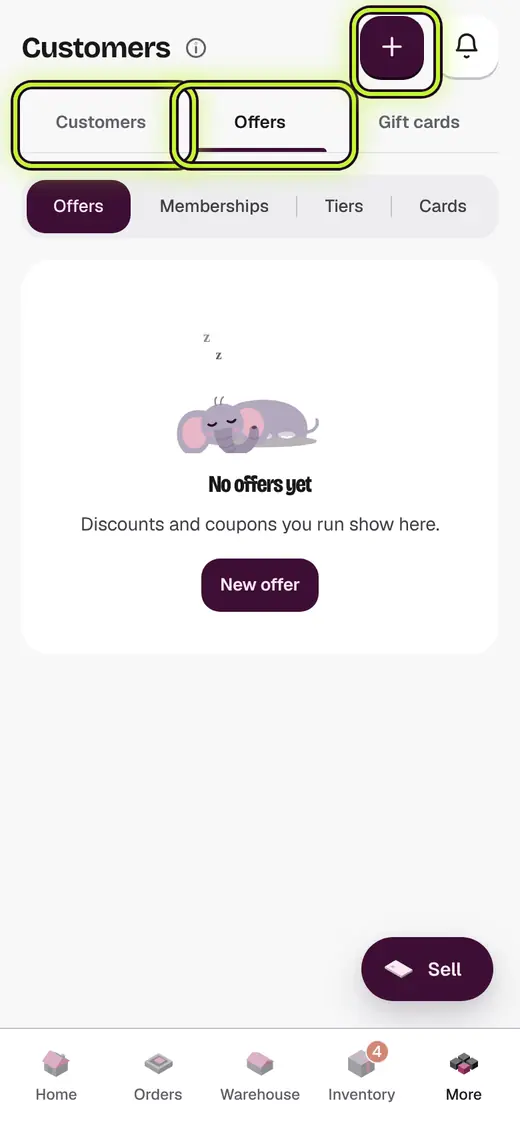
- Tap Offers & members.
- Tap New offer.
- Type a Name, like "Diwali offer".
- Type a Coupon code, or leave it blank to apply it by itself.
- Pick Percent, Flat or Buy X get Y.
- Set the Minimum bill and Last day if you want.
- Tap Save.
Good to know
- Only one coupon works on a bill.
- To stop an offer, tap Switch off.
Still stuck?
In the app, tap ? on the screen you are on and ask in your own words. Or email support@kowntx.com. A person replies in writing. Never send your PIN, code or card number.