Steps8
- Open Inventory.
- Tap Inventory tools.
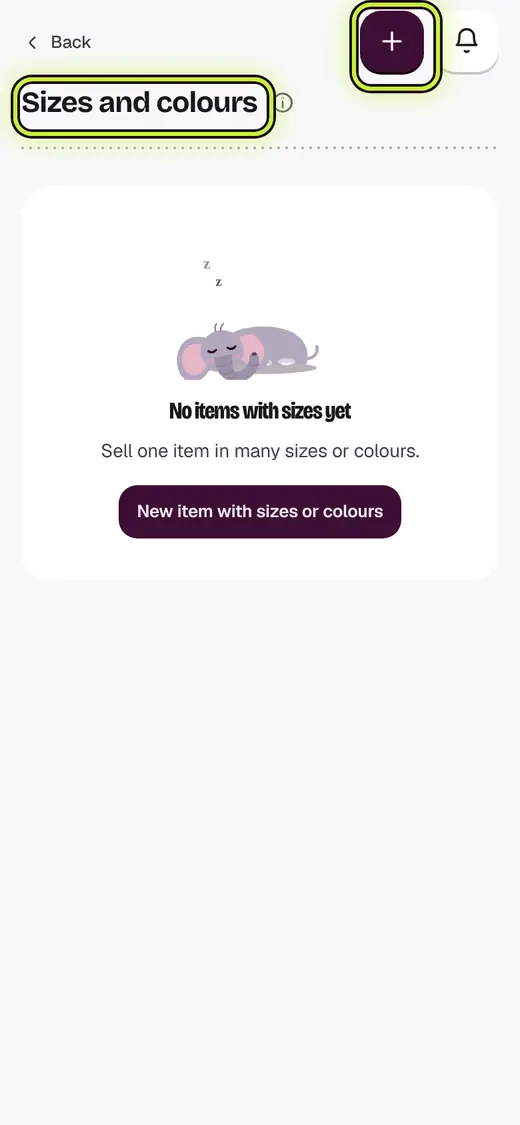
- Tap Sizes and colours.
- Tap New item with sizes or colours.
- Type the Item name and price.
- Under Values, type the sizes, like S, M, L.
- Tap Add another option for colours.
- Tap Make the item.
Good to know
- Untick any size you do not keep.
Still stuck?
In the app, tap ? on the screen you are on and ask in your own words. Or email support@kowntx.com. A person replies in writing. Never send your PIN, code or card number.