Steps5
- On the GST portal, download GSTR-2B as JSON.
- Open Business.
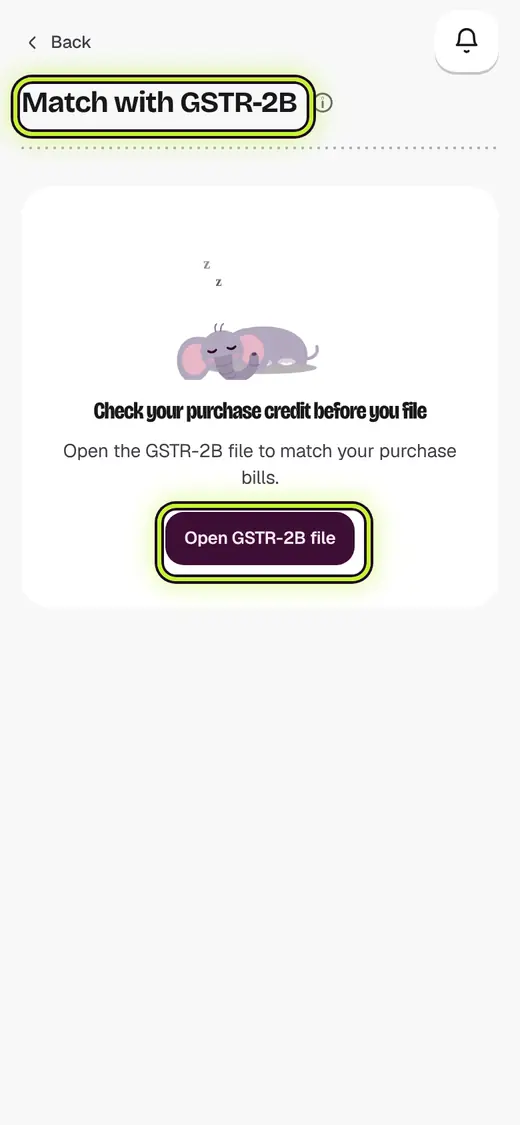
- Tap Match with GSTR-2B.
- Tap Open GSTR-2B file and pick the file.
- Tap a bill to see what to do.
Good to know
- Supplier has not filed: ask the supplier to file it. Do not claim it yet.
- Not recorded: add the bill if the goods came in.
- The file stays on your phone.
Still stuck?
In the app, tap ? on the screen you are on and ask in your own words. Or email support@kowntx.com. A person replies in writing. Never send your PIN, code or card number.